DevTools
Context Capture — bug reports with the page included
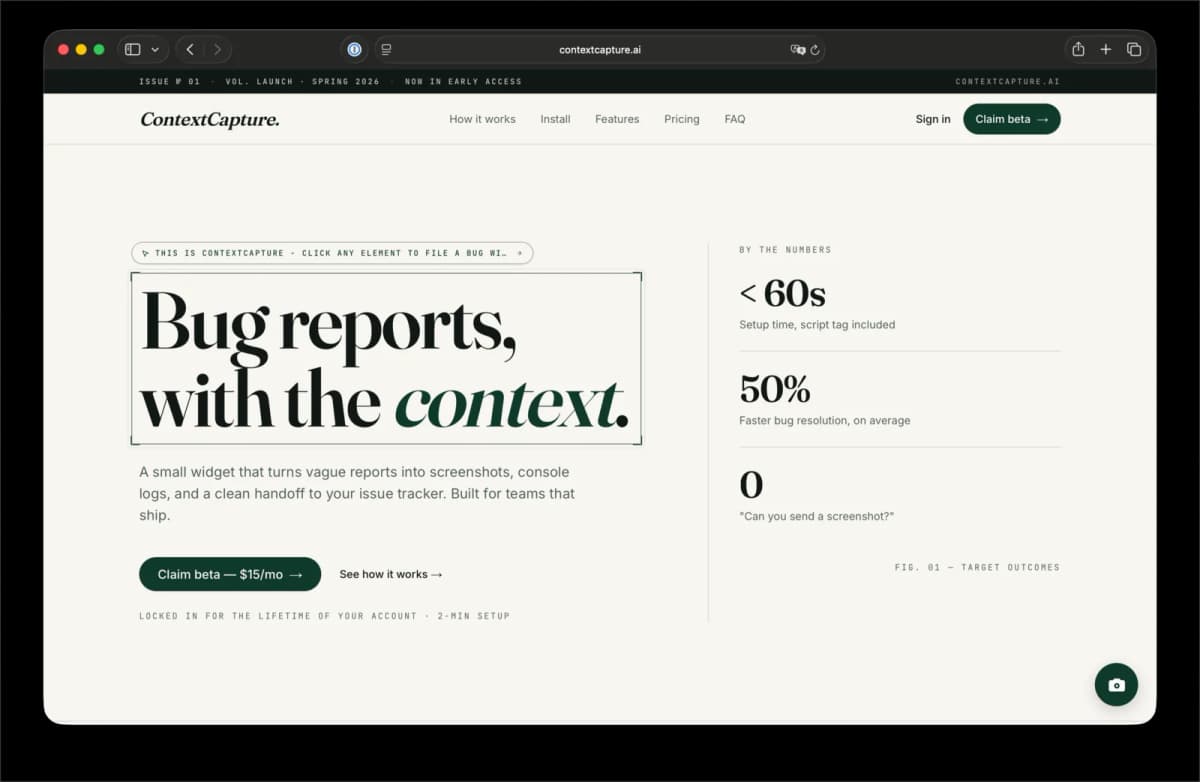
An embeddable widget that captures screenshots, page context, logs, and GitHub issue data from any web app.
// stack
// area
[ verified outcomes ]
7
context signals captured per report
script tag
Install surface
The widget can be embedded without rebuilding the host app.
Shadow DOM
Isolation model
Widget styles stay separate from the customer page.
GitHub issues
Workflow target
Reports are shaped for engineering follow-up.
[ the case ]
Context Capture is an embeddable bug-report widget that captures screenshots, page context, console logs, and GitHub-ready issue data so engineers receive reproducible reports instead of vague feedback.
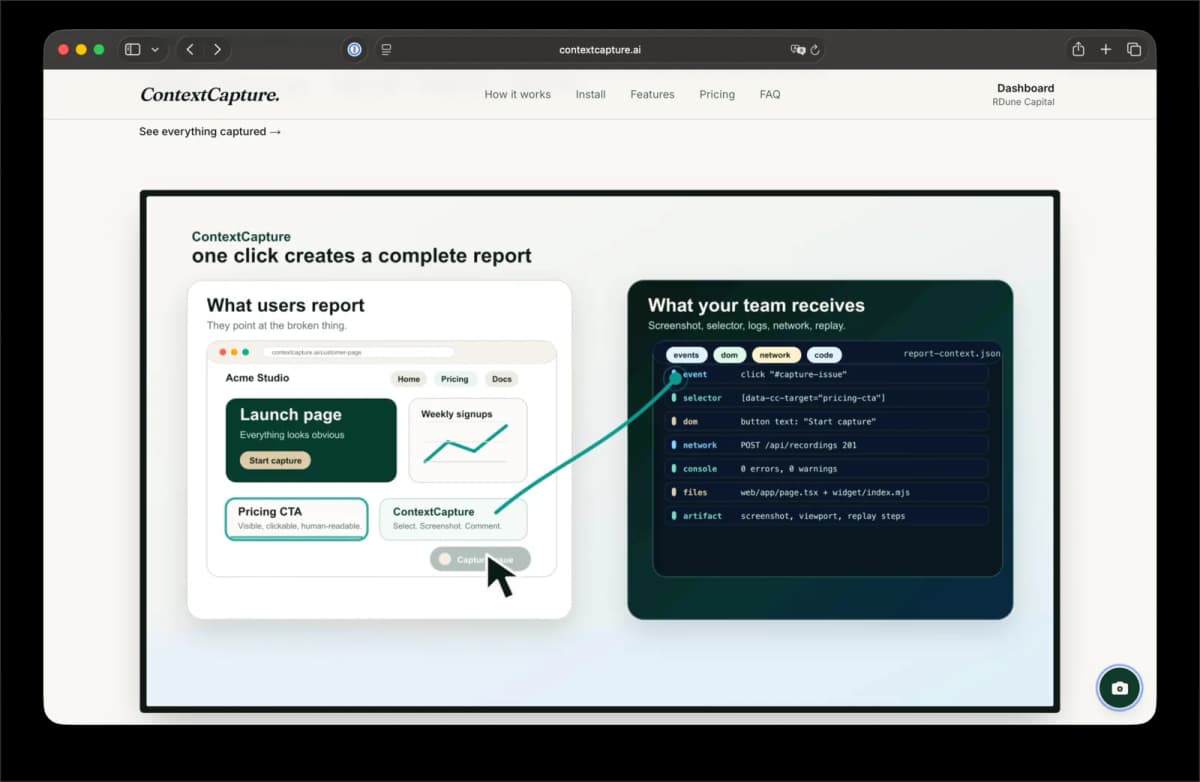
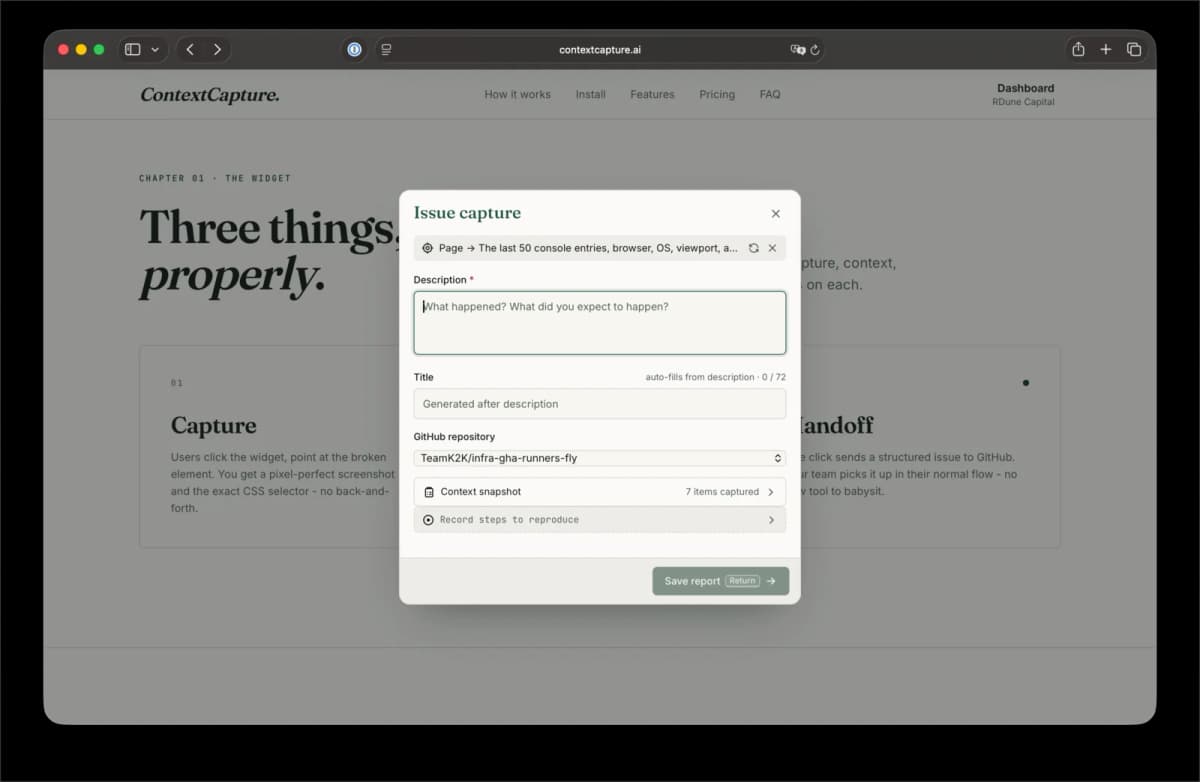
Context Capture gives teams a way to report bugs with the information engineers need already attached. A Shadow DOM widget captures screenshots, selected elements, console logs, and page metadata, then sends the issue context into a backend workflow.
The product is built around a simple promise: add useful issue reporting to any web app with a script tag, without rebuilding the host application. That makes it useful for teams who need better bug reports but cannot afford a heavy integration project.
The corrected visuals for this project now come from the love-context-capture asset set, and the API record keeps the canonical context-capture slug for routing and SEO.
Problem
Most bug reports lose the moment that matters. A user says something broke, but the engineer still has to ask what page, what browser, what state, what console error, and what the user clicked.
The gap is worse for AI-assisted engineering because the agent also needs structured context. Screenshots alone are not enough; the system needs DOM clues, logs, and a concise report that can be routed into an issue workflow.
System
The widget runs inside a Shadow DOM so it can be installed on customer sites without colliding with host styling. It captures a screenshot, selected element context, console signals, and page metadata, then sends that package to the app backend.
The backend owns GitHub and integration credentials server-side. That keeps sensitive tokens out of the browser while still letting the report become a useful engineering artifact.
What shipped
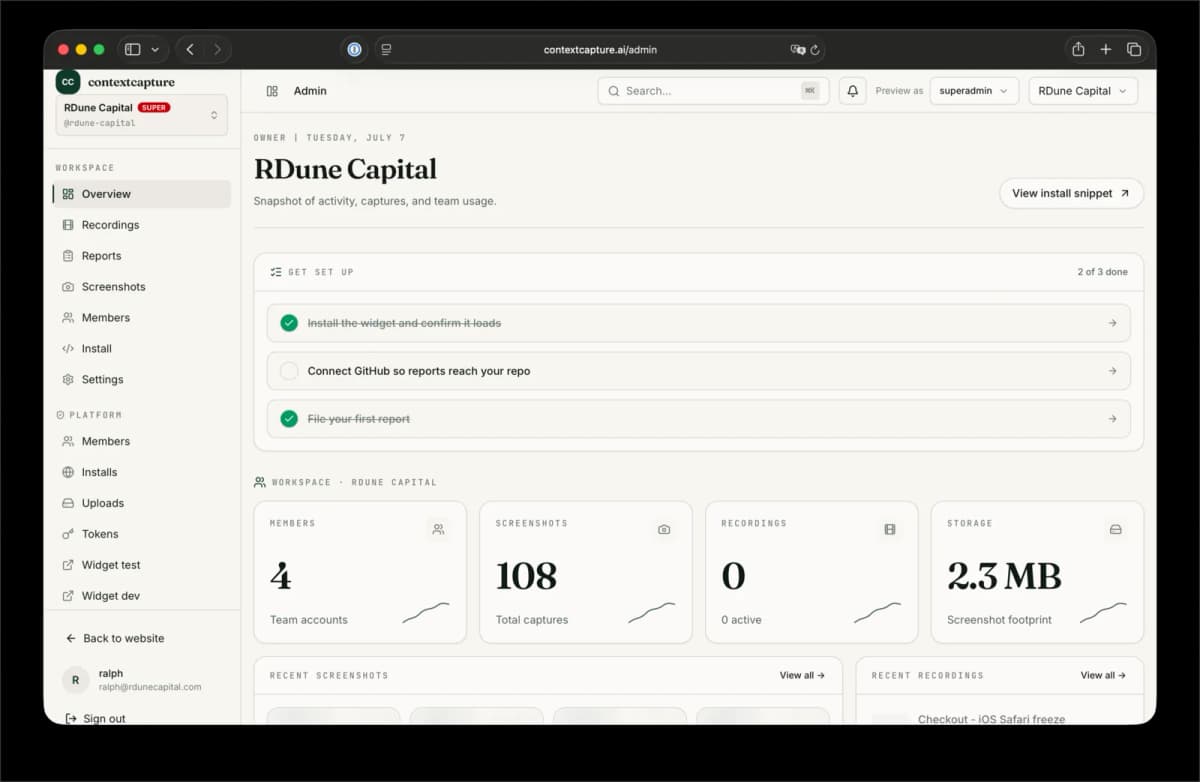
The repo includes a widget bundle, Next.js app, Supabase-backed auth and storage, GitHub proxying, and a documented architecture. The public case study now has enough content to explain the system instead of only showing product screenshots.
The page also positions the project against the SERP for bug-report widgets and screenshot-to-GitHub tools, where marketplace tools exist but often stop at the capture layer rather than AI-readable context.
SEO angle
DataForSEO returned GitHub Marketplace and SDK results for bug report widget screenshot GitHub. The page should therefore answer the implementation question clearly: how do you capture the page, preserve context, and create an issue without exposing tokens?
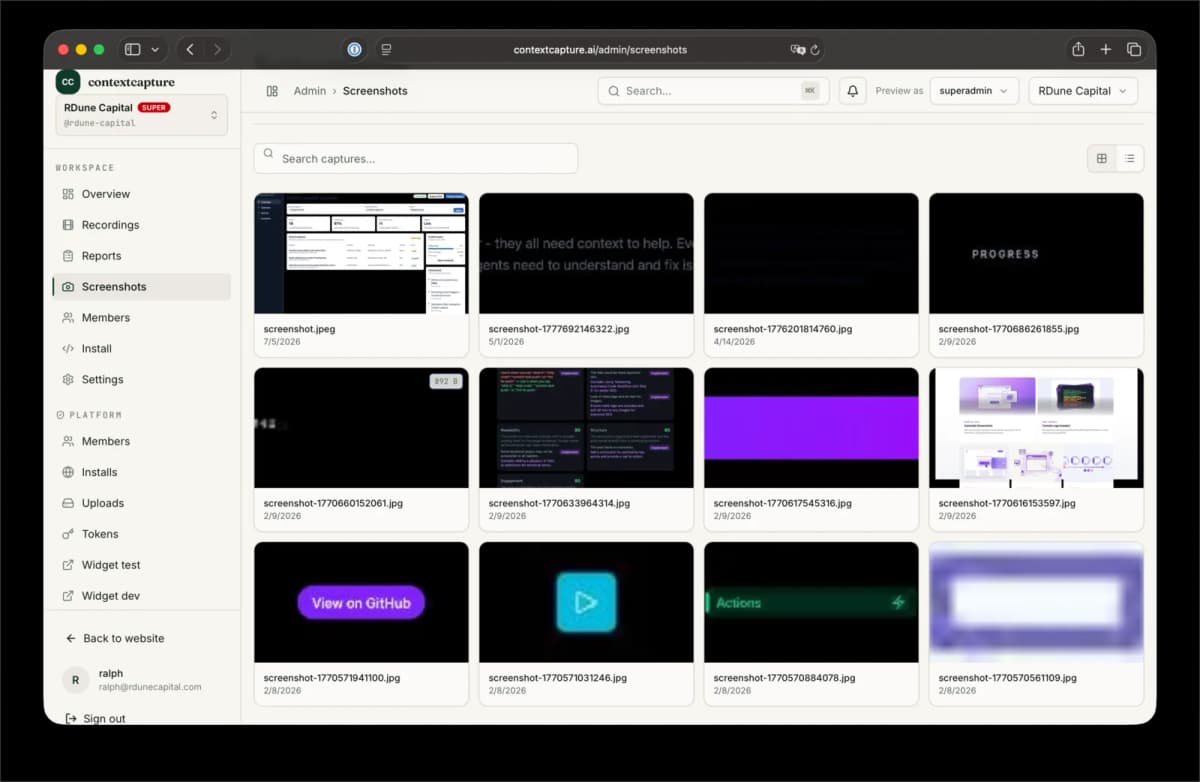
- The gallery shows the corrected context-capture visual set from the love-context-capture folder.
- Future diagrams should emphasize capture, context packaging, backend proxying, and issue creation as one chain.
// search questions
How do you capture a screenshot in a bug report widget?
A browser widget can capture the current page, combine it with metadata such as URL and selected element, and send the result to a backend. The backend should handle storage and integrations so credentials are not exposed in the browser.
Why send bug reports to GitHub issues?
GitHub issues keep bug context near the code and engineering workflow. The important part is shaping the report so it includes screenshot, reproduction context, logs, and the page state that caused the bug.
// continue with the real product
[ product evidence ]
[ build something like this ]
Have a similar bottleneck? Turn it into shipped proof.
Same operator and green-gate build process behind Context Capture — bug reports with the page included. One brief, one ship — replies within 24h.